Best AI Project Management Tools 2025: Complete Guide

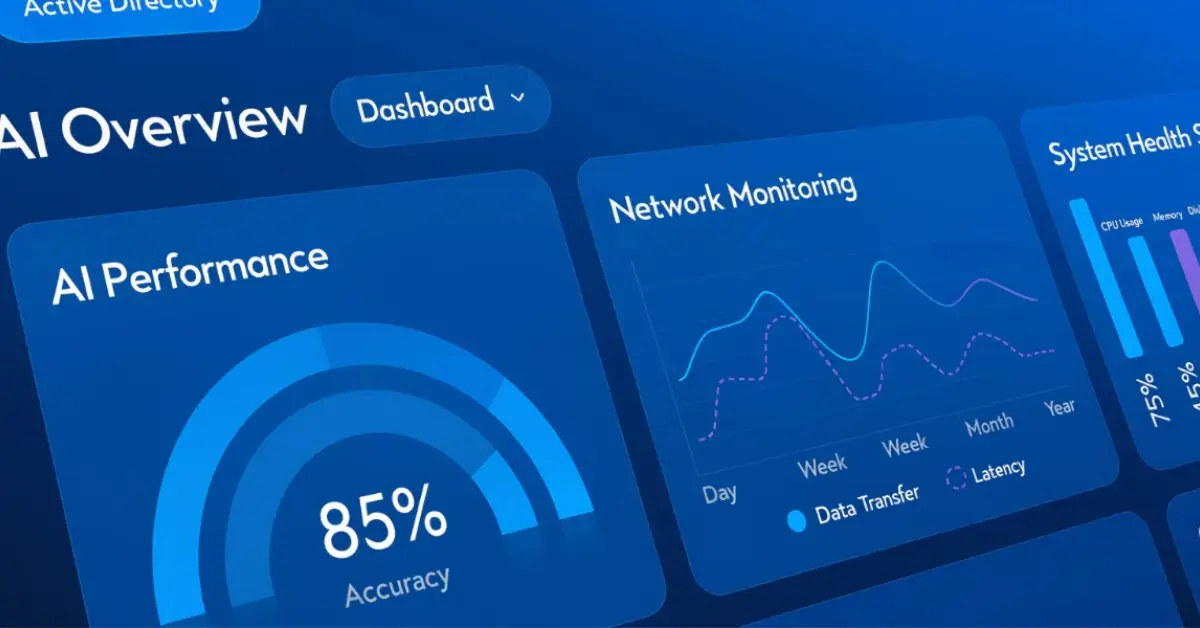
Project management in 2025 has been revolutionized by artificial intelligence. The best AI project management tools are transforming how teams plan, execute, and deliver projects. This comprehensive guide explores the top AI-powered project management solutions that are reshaping the industry.
Why AI Project Management Tools Matter in 2025
Traditional project management tools are being enhanced with AI capabilities that provide:
Top 10 AI Project Management Tools for 2025
1. Monday.com AI
Monday.com has integrated powerful AI features that make project management intuitive and efficient. Their AI assistant helps with task creation, timeline estimation, and resource allocation.
Key Features:
Best For: Teams of all sizes looking for visual project management with AI enhancement
Pricing: From $8/user/month
2. Asana Intelligence
Asana's AI capabilities help teams work smarter by automating routine tasks and providing intelligent insights into project health and team productivity.
Key Features:
Best For: Enterprise teams needing advanced workflow automation
Pricing: From $10.99/user/month
3. ClickUp AI
ClickUp's AI assistant helps teams write better, plan smarter, and work faster with context-aware suggestions and automation.
Key Features:
Best For: Teams wanting an all-in-one solution with powerful AI features
Pricing: From $7/user/month
4. Notion AI
Notion combines project management with AI-powered documentation and knowledge management, perfect for modern teams.
Key Features:
Best For: Teams needing integrated docs and project management
Pricing: From $8/user/month + AI add-on
5. Wrike AI
Wrike's AI Work Intelligence helps teams optimize workflows and make data-driven decisions with predictive analytics.
Key Features:
Best For: Enterprise teams with complex project requirements
Pricing: From $9.80/user/month
6. Smartsheet AI
Smartsheet combines spreadsheet flexibility with AI-powered project management capabilities for data-driven teams.
Key Features:
Best For: Teams comfortable with spreadsheet-style interfaces
Pricing: From $7/user/month
7. Trello with Butler AI
Trello's Butler automation has evolved with AI capabilities, making board management and task automation more intelligent.
Key Features:
Best For: Teams preferring visual Kanban-style management
Pricing: From $5/user/month
8. Microsoft Project with AI
Microsoft Project has integrated AI features that enhance traditional project management with modern intelligence.
Key Features:
Best For: Enterprise teams using Microsoft ecosystem
Pricing: From $10/user/month
9. Forecast
Forecast is built AI-first, using machine learning to automate project planning and resource management from the ground up.
Key Features:
Best For: Agencies and professional services firms
Pricing: Custom pricing
10. Motion
Motion uses AI to automatically plan your day, schedule tasks, and manage your calendar for maximum productivity.
Key Features:
Best For: Individuals and small teams wanting automated scheduling
Pricing: From $19/user/month
How to Choose the Right AI Project Management Tool
When selecting an AI project management tool for your team, consider these factors:
1. Team Size and Structure
Different tools scale differently. Small teams might prefer simpler solutions like Trello or Motion, while enterprises may need the robust features of Asana or Wrike.
2. Integration Requirements
Ensure the tool integrates with your existing tech stack, including communication tools, file storage, and development platforms.
3. AI Capabilities Needed
Identify which AI features matter most: predictive analytics, automation, resource optimization, or intelligent insights.
4. Budget Considerations
AI features often come at a premium. Calculate the ROI based on time saved and improved project outcomes.
5. Learning Curve
Consider how quickly your team can adopt the tool. Some AI features require training to use effectively.
Best Practices for Using AI Project Management Tools
1. Start with Core Features
Don't overwhelm your team with all AI features at once. Gradually introduce automation and AI capabilities as the team becomes comfortable.
2. Train the AI
Many AI tools improve with use. Provide feedback on AI suggestions and let the system learn your team's patterns.
3. Combine AI with Human Judgment
Use AI insights to inform decisions, but don't rely solely on automation. Human oversight remains crucial for complex projects.
4. Monitor and Adjust
Regularly review how AI features are performing and adjust settings to better match your team's workflow.
5. Leverage Predictive Analytics
Use AI-powered forecasting to identify potential issues early and take proactive measures.
The Future of AI in Project Management
As we move further into 2025, expect to see:
Conclusion
The best AI project management tools in 2025 are transforming how teams work, making project delivery faster, more efficient, and more predictable. Whether you're managing a small team or coordinating enterprise-level projects, there's an AI-powered solution that can help you succeed.
The key is choosing a tool that aligns with your team's needs, workflow, and technical requirements. Start with a trial, involve your team in the decision, and gradually adopt AI features to maximize their impact.
Ready to revolutionize your project management? Explore more AI project management tools in our comprehensive directory and find the perfect solution for your team.